How the app works —step by step.
No rush and no jargon. Here's everything you need to feel at home in Fit Beyond 50, explained in plain, friendly language.
In a few easy steps
From sign-in to your first day
Follow along in order, or skip to the part you'd like to learn about.
Sign in
Open the app and sign in with Apple, Google, or your email address and a password. If you're brand new, tap “Create an account” — it only takes a minute.
Choose the parts you want
Three helpful modules come free together: Get Fit, Food Diary and Shop Solo. They're all switched on and ready — turn any of them off in Profile if you'd rather keep things simple.
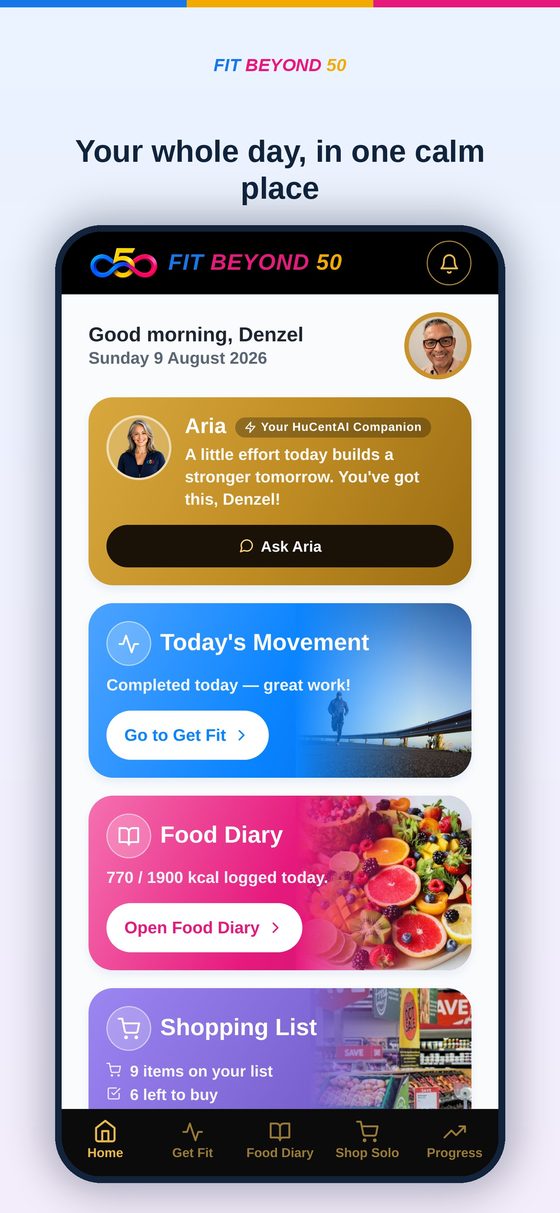
Say hello to your Today screen
This is your home base. Every morning it shows a friendly note from Aria, today's workout, your food so far, and your shopping list — all in one calm place. Tap any card to open it.
Move a little with Get Fit
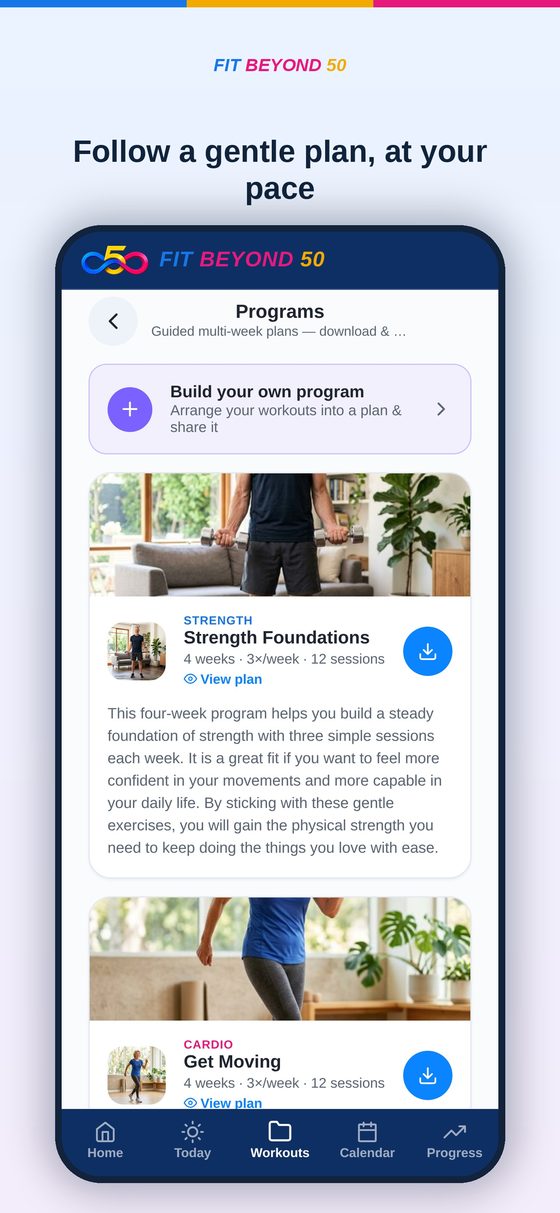
Open Get Fit to pick a workout. Every exercise has a clear picture showing exactly what to do. Prefer a plan? Choose a multi-week program, download it, and follow along at your own pace — even without internet.
Keep a gentle Food Diary
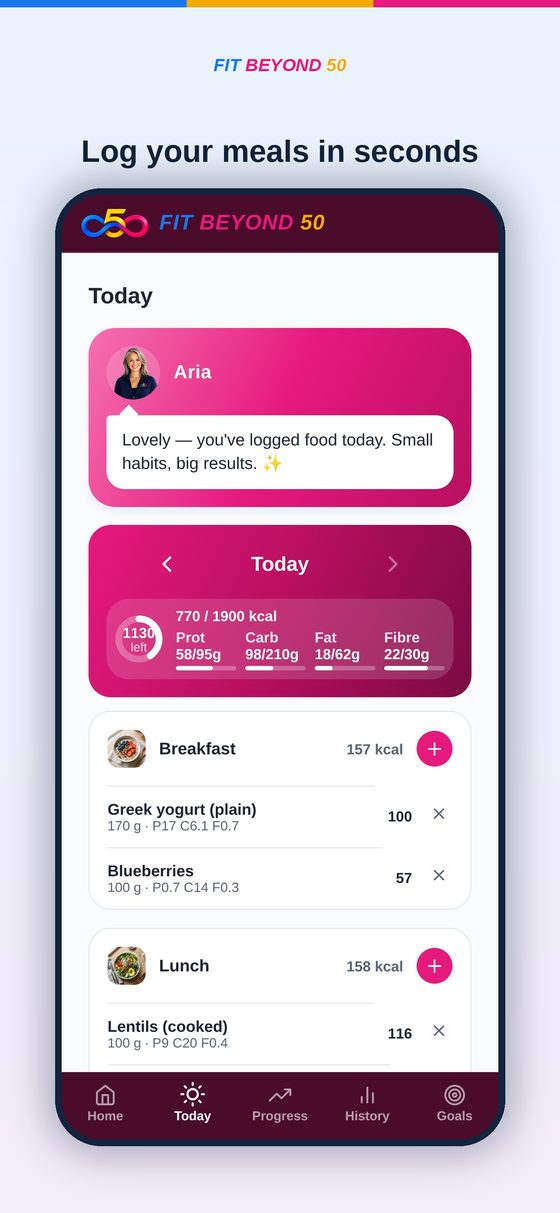
Tap the + next to Breakfast, Lunch or Dinner to add what you ate. You'll see how your day adds up — no counting stress, just a kind, clear picture of your eating.
Shop smarter with Shop Solo
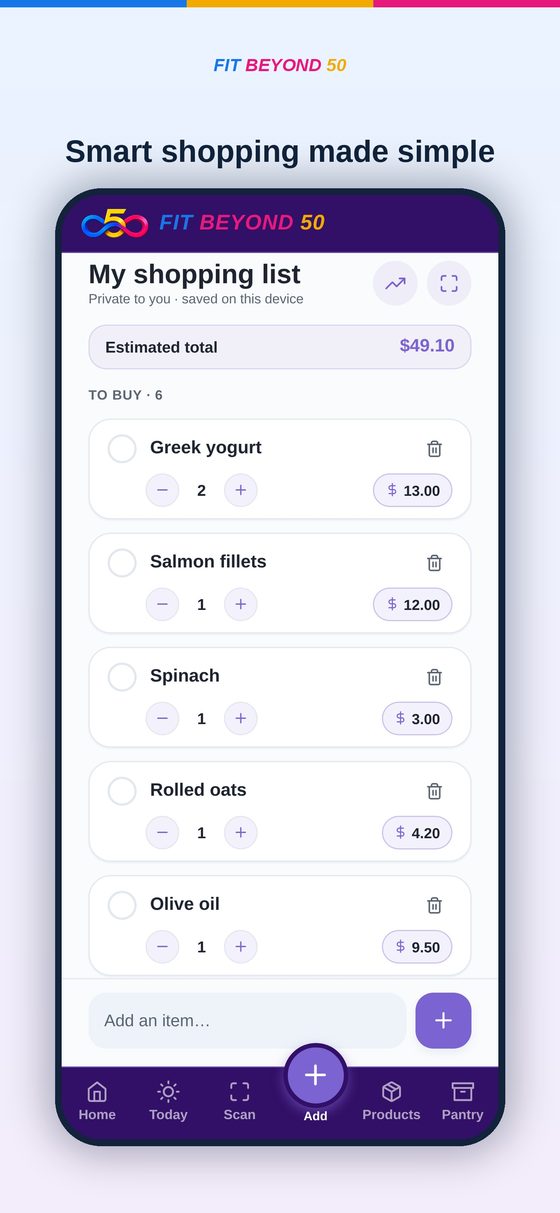
Add items to your weekly list, or scan a product's barcode to see a simple health rating. You can even track what you spend — and it's free to use on your own, forever.
Lean on Aria whenever you like
Aria is your friendly companion. Ask a question, or just read the daily tip. Aria never pushes — it simply helps you find your next small, doable step.
Make it comfortable in Profile
In Profile you can turn on Large Text and High Contrast, choose light or dark mode, set reminders, and manage your account. This is also where you can replay this walkthrough any time.
Good to know
A few gentle reminders
Works offline
Your workouts, food diary and shopping list live on your device, so they work even without internet.
Your data is yours
Nothing is sold. You can back up, restore, or delete your account whenever you wish.
Wellbeing, not medical advice
Always check with your doctor before starting a new exercise or nutrition plan.
That's it — you're ready.
Start with the free package and add household shopping later only if you'd like to.